Creating a Band
Welcome to BandMath! Setting up your band is the first step toward gaining total financial clarity for your tours and merchandise.
The Band Profile
When you first sign up for BandMath, you will be prompted to create your Band Profile. This profile acts as the central hub for all of your band's financial data, merchandise inventory, and team members.
Setting Your Base Currency
During setup, you will be asked to select your band's base currency (e.g., USD, EUR, GBP).
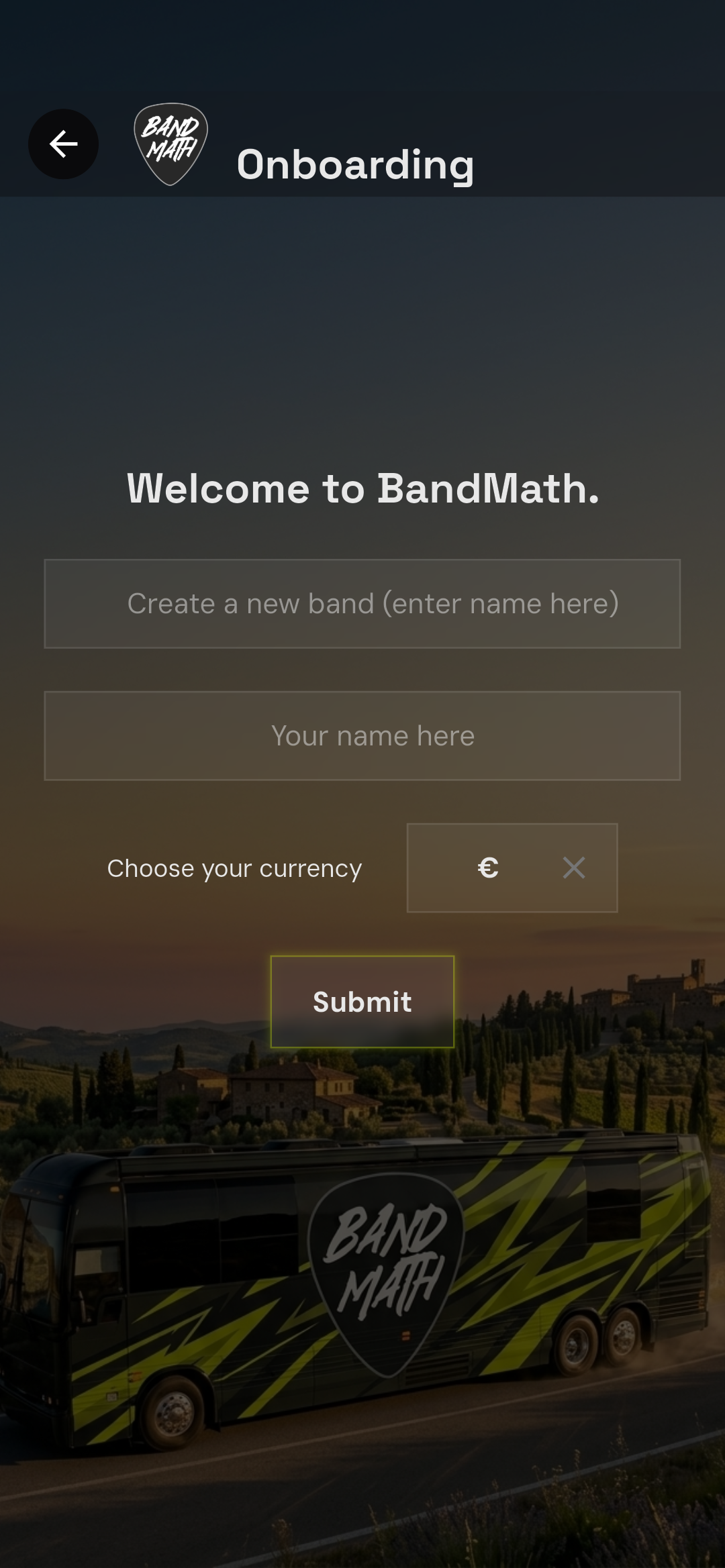
BandMath handles all math natively using integers, which means the currency setting is purely a display symbol. You can change your workspace's currency symbol at any time in the settings. For tours in foreign countries, check out our Multi-Currency Touring guide.
The Default Banks
Upon creating your band, BandMath automatically creates two special "members" in your roster:
- The Band Bank: Represents the communal pool of money owned by the band as an entity (e.g., your actual shared bank account or a physical cash box).
- The VAT Bank: Used exclusively for setting aside value-added tax (VAT) or sales tax collected during merch sales.
These banks are crucial for the double-entry accounting system and cannot be deleted. However, you won't see them displayed on the Standings page unless they are being used.
Managing Multiple Bands
BandMath supports multiple bands for each user! You can be a member of an unlimited number of bands, and you can create or be an Admin for up to 5 bands simultaneously.
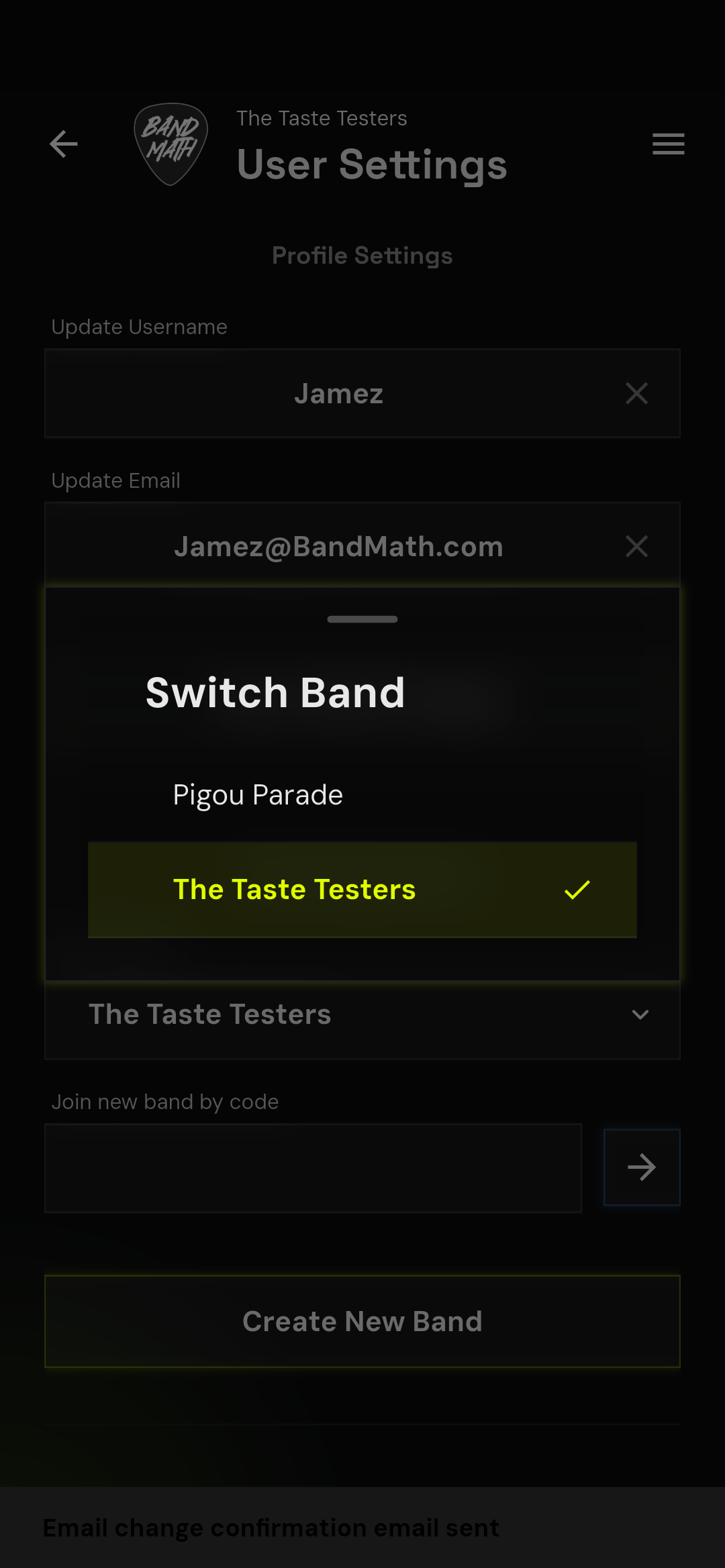
To switch between your bands, navigate to the User Settings page and use the Band Dropdown to select whichever band you want to view.
Next Steps
Once your band profile is created, you automatically become the Admin. Your next step is to start building out your roster by inviting your band members.