Localization and Currency
Because BandMath is used by touring bands around the world, you can easily customize the app to fit your region.
Setting Your Base Currency
When you first create your band workspace, you will be prompted to select a Base Currency.
BandMath handles all math natively using integers, which means the currency setting is purely a display symbol. You can change your workspace's currency symbol at any time in the settings without breaking your ledger!
However, because it is purely a display symbol, BandMath does not perform automated currency conversion or exchange rates. All transactions in a workspace are assumed to be 1:1 with whatever base currency you have selected.
The base currency symbol is used to format all:
- Ledger calculations
- Debt settlements and payouts
- Merch inventory valuations
- Profit and loss reporting
Currency Formatting
BandMath automatically formats your financial inputs and displays based on your selected base currency. This means that if you choose Euro (€) as your base currency, the app will automatically inject the € symbol into input fields like the merch inventory pricing, preventing typos and ensuring a clean user experience.
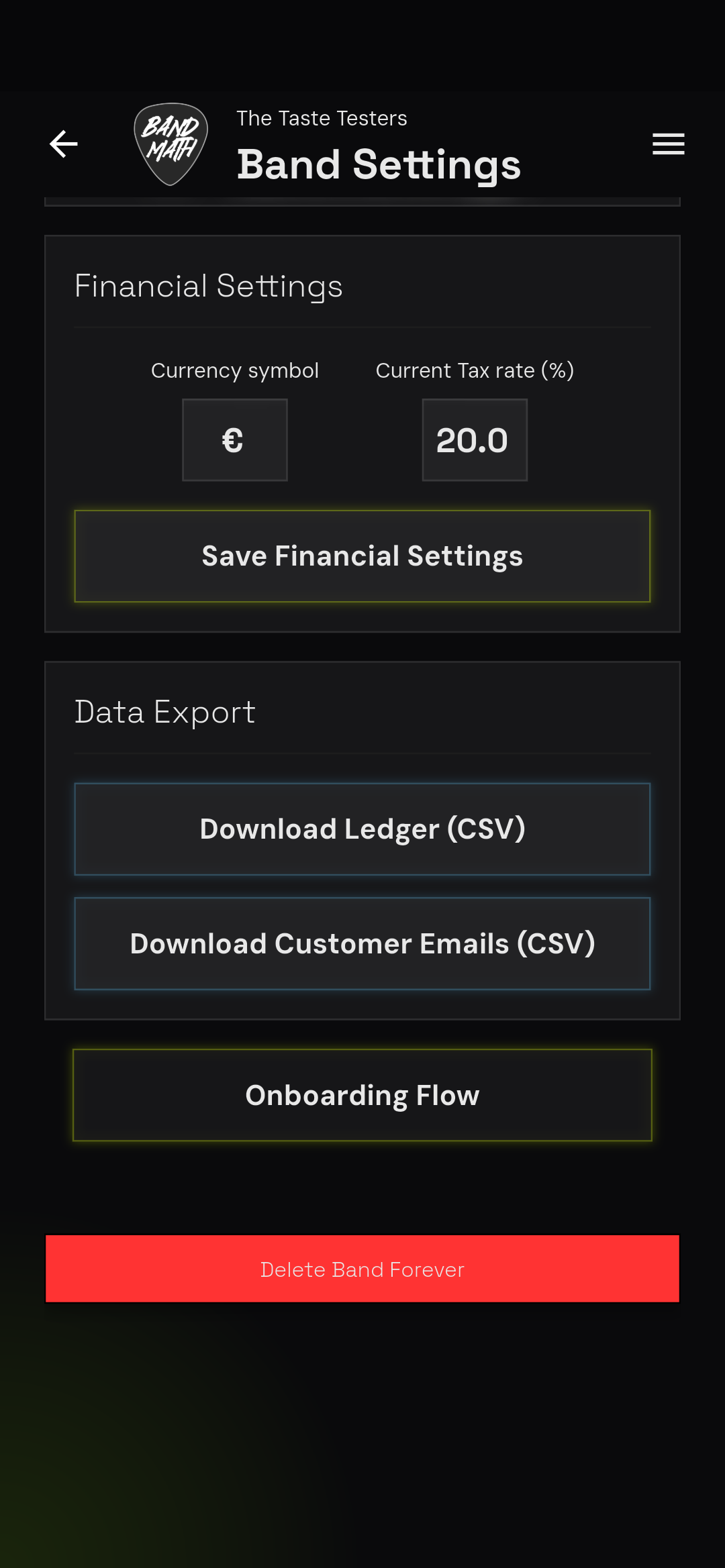
If you notice a currency symbol is missing or incorrect, please reach out to support.